

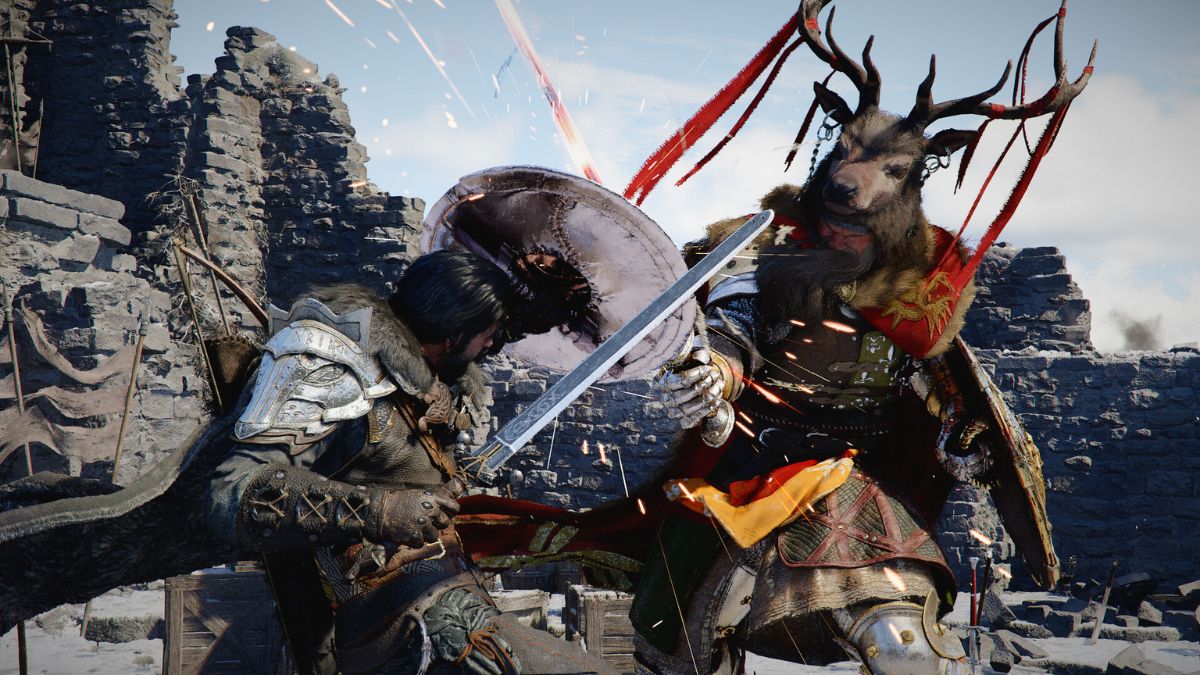
Crimson Desert has officially released, but players and reviewers alike have been debating the game’s quality. If you are deciding on buying the game, or have just started, it’s incredibly important to understand what the game is, what it isn’t, and what the game expects you to do as a player. This is a spoiler free guide for any player starting their journey which will give you every tip you need to truly enjoy what this game has to offer. No click bait. No time wasting. So let’s jump right in!
What ACTUALLY is Crimson Desert?
First things first: If you expect this game to be something it isn’t, you will hate it. Crimson Desert is not the standard “open world adventure game” you are used to. It is made by a developer who has only made MMO titles, so the game feels like a blend of MMO and open-world. The game does NOT have extreme character depth (like a game like Baldur’s Gate 3), so don’t expect to talk to random NPCs that you see and get anything more than a basic greeting. NPCs still have a purpose, like teaching you skills, hiding unique encounters, or simply filling the world to make it more lively. This isn’t a story game, so the focus is on you and your personal adventure (with a mild narrative to guide you).
A major factor of this game is that it often plays more like an experimental sandbox and not a tutorial walkthrough. You are supposed to discover and teach yourself. You will seldom get the “here is X item and everything you should know about using it”. For example, one of the very first things the game does is teach you how you can use your sword to reflect light, but it is short and abrupt. There isn’t a long training area that shows you every aspect of this tool, or a bunch of test enemies to practice using it on. The game says simply, “hey here’s something you can do! Now go see what you can do with it on your own!” Not every player likes that game experience, so avoid Crimson Desert if you want a more classic approach to tutorials.
As a final major defining point of this game, you can’t take it too seriously. Yes, the game is graphically stunning and gives a modern “Skyrim” vibe, but the MMO style can abruptly stop that feeling. A perfect example is the opening of the game:
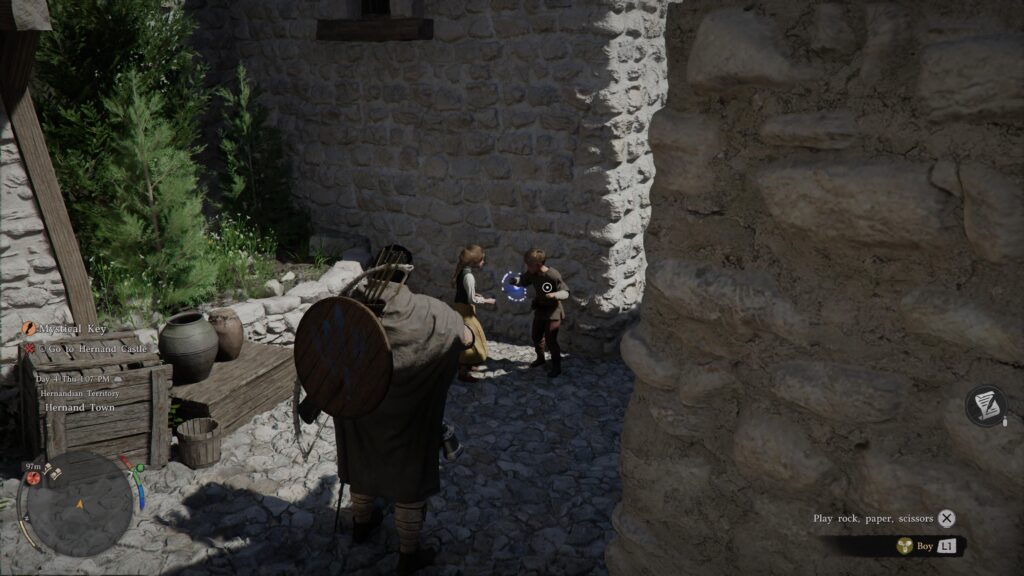
Your quest starts with entering a bar where you arm wrestle a guard. Then you walk outside and give a homeless man a coin, in which he gives you an item and unlocks a tiny sewer room. Inside is a woman bound that you “rescue” with absolutely no resistance. You then return to the streets to help a random kid get their cat back.
Does that seem weird and random without the context of a story? Well, the game doesn’t really give you much context for a story. You just go with it and enjoy the random experiences along the way. If you want a more cohesive set of quests for a story, this game will definitely throw your senses off and make you hate the game quickly.
Everything Basic You Must Know
Since Crimson Desert wants you to figure things out on your own, it’s easy to miss or misunderstand major core aspects of the game. For ease of reading and learning, I will simply list these out without any fluff added: (Note this is from the perspective of using a controller, but I will update this later with PC controls)
1 – To walk, just move the analog stick forward. To run, tap X once (do NOT hold X as the game implies). Double-tap X to sprint and use your stamina.
2 – L1 (RB) will constantly be a button you use to interact with everything in the game. Keep an eye on the bottom right corner of the screen for a prompt, but it can be easy to miss if you aren’t aware.
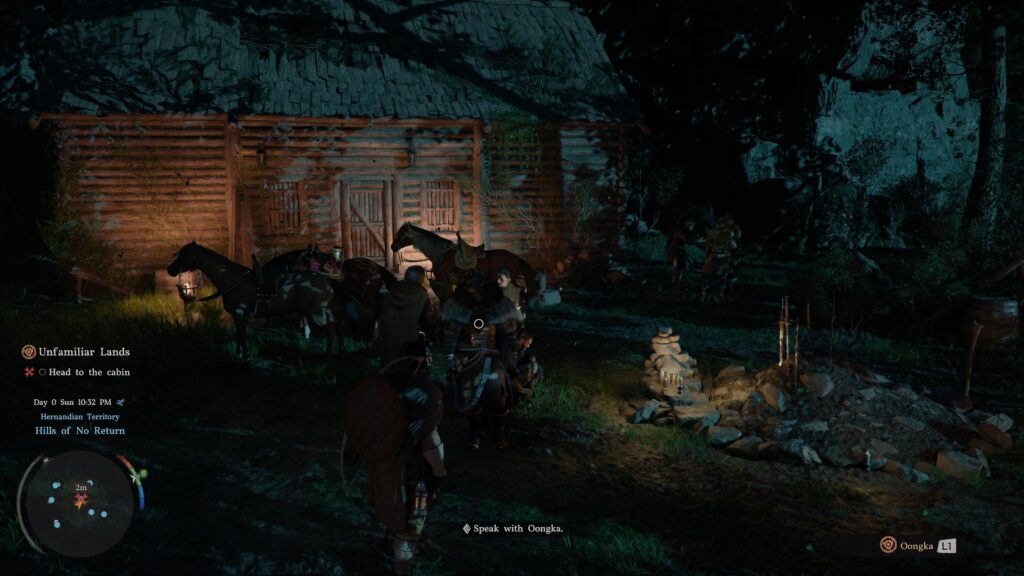
3 – You start the game with a few skills/combos unlocked: Stabbing (R1 + Triangle) and Grappling (Triangle + Circle)
4 – Lots of skills of the game are locked behind progression, but it may seem like you can use them immediately. For example: You can see pickpocketing is a prompt on NPCs, but you have to unlock “face coverings” before being able to pickpocket.
4.2 – Most major skills will be unlocked in Chapter 3, and nearly all skills will be unlocked by Chapter 4.
5 – The game’s controls may feel odd, but the game has a HUGE amount of things you can do. It takes getting used to, but don’t give up on the game because the controls feel weird at first.
6 – Most players and reviewers report the first 8 hours of the game to be “boring”, but the game significantly improves once you reach a certain point. The game is incredibly long, so 8 hours is still very early into the game.
7 – You have to play this game with the mindset that everything is done intentionally. If you don’t know how to do something, it’s a “sandbox” style game, so you may need to experiment (or come back to the area later).
8 – The world does not scale with you, you scale to it. You may find a boss or area that feels impossible. Don’t force yourself to beat it. Go back, explore a little more, and you will likely find things that will advance you enough to make those bosses and areas much more approachable.
9 – The first chapter of the game is meant to be a visual adventure. If it seems “slow” or “boring”, just make your way through to chapter 2 to get to the actual combat portion of the game.
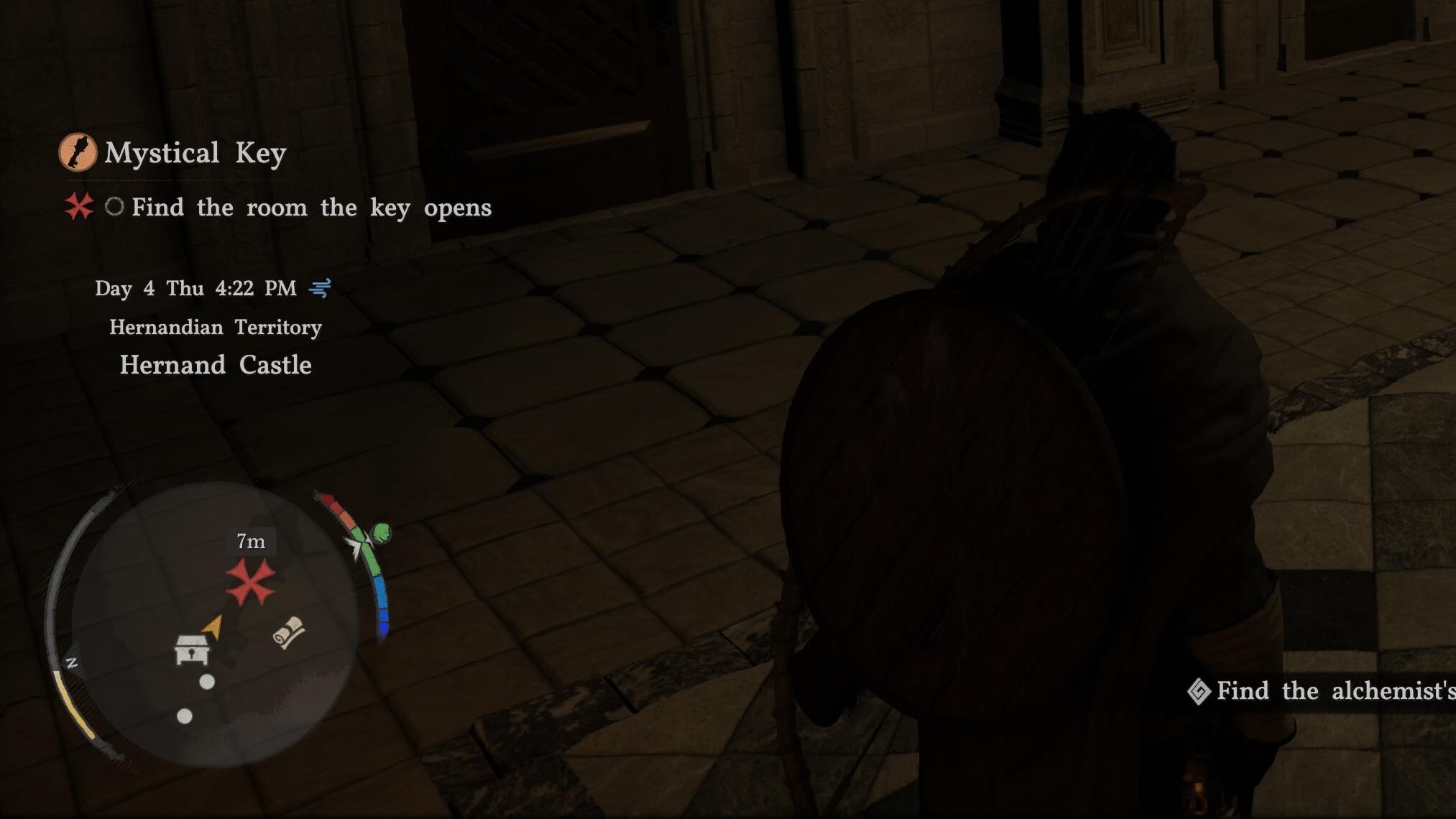
10 – Pay attention to your mini-map. It constantly shows you important quest markers and things you can interact with.
Crimson Desert Tips
Once you are into the game and into partway into Chapter 1 or the start of Chapter 2, these tips should be very helpful to carry you through the game. If you haven’t reached this point in the game yet, check back here after you play a little. That way, things make more sense in context:
1 – “General” keys can open any basic locked door in the game. If you walk into a basic locked door, it will automatically consume the key and unlock the door. No prompt to “unlock door” will appear. Be careful of running into doors aggressively in new areas if you are low on keys.
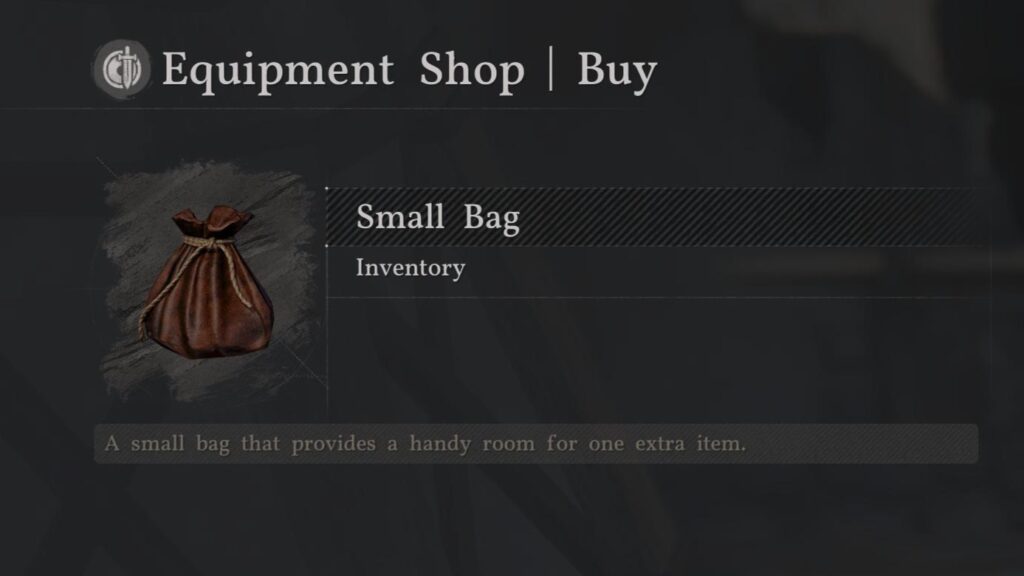
2 – Inventory space is limited at first. You can gain more by clearing missions as you go. You can also buy inventory slots from merchants, shown with the small bag icon. [Side note: The developers stated they want to improve inventory mechanics of the game soon]
2.2 – Defeated enemies can be looted, but after a battle, all enemies will despawn. You didn’t lose that loot, though. It automatically collected everything and deposited it into a storage box back at your camp. You can utilize this feature to collect items with a small or limited inventory.
3 – When you collect bags of money, open them and add the money to your collection. It not only clears inventory space, but it also adds money to your overall balance.
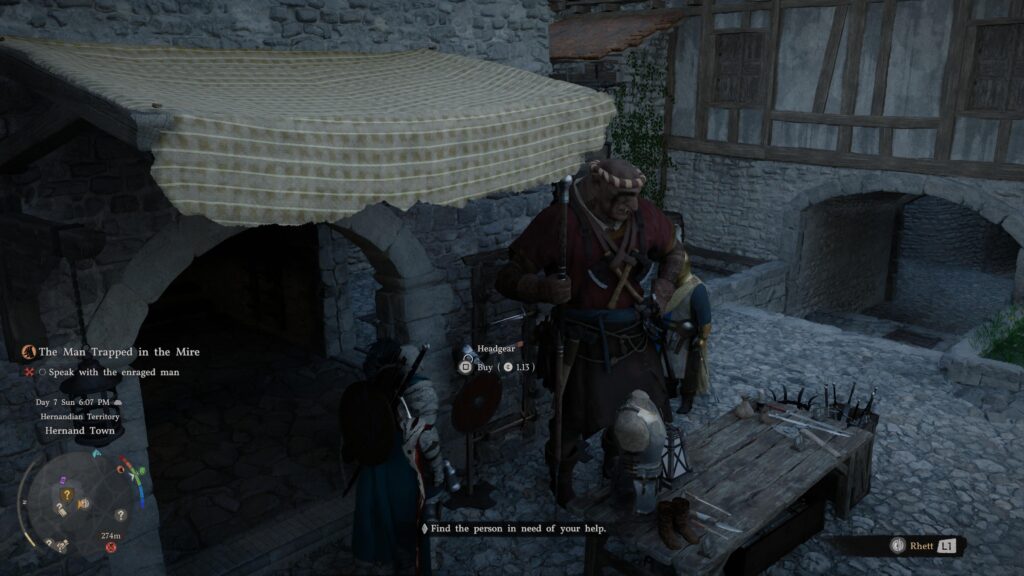
4 – Shops not only offer items by talking to the merchant in their inventory. You can also buy items displayed physically on the table in front of them, or on displays around them!
5 – You can discover things you can do before the game teaches you how to. If something seems confusing, you might be finding it before the game teaches you.
6 – Camps have grindstones and anvils around that you can use to improve weapons and armor
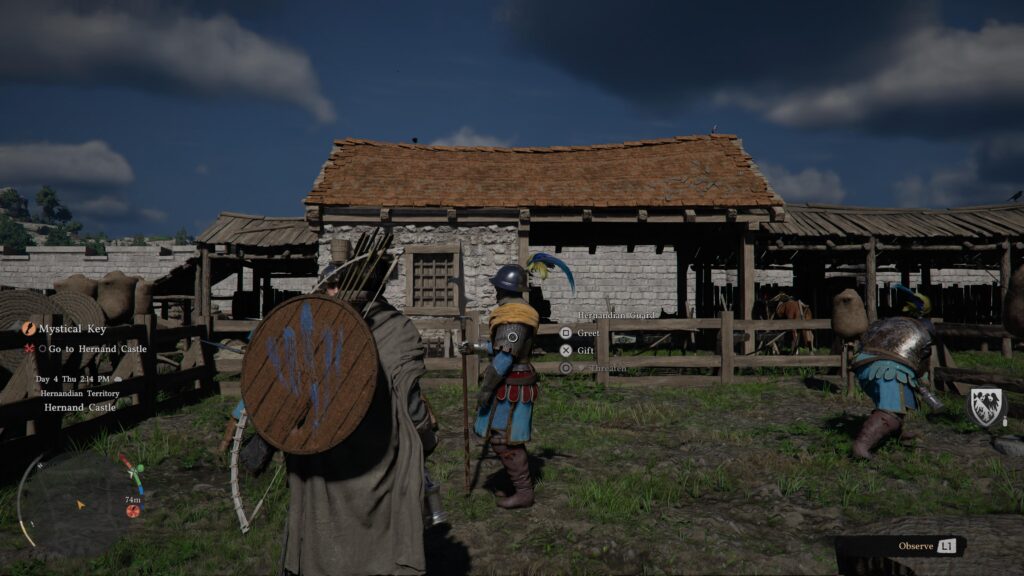
7 – You can learn some skills by simply interacting with things you see in the world. If you notice an NPC practicing a fighting move, go to them and use the L1 (RB) button to study and learn what they are doing. Learned skills are permanent unlocks that don’t consume skills, but if you purchase them, you waste skill points until you can reset your skill tree.
7.2 – Focus your early skill unlocks on health and stamina upgrades. This can help prevent buying skills for things you can learn for free by exploring and studying things you discover.
8 – Hold Square to continuously pick up items. You don’t have to press it every time if there is a group of items.
9 – Once you unlock memory’s, you don’t have to re-equip the helmet. After you discover it with your lantern, simply hold options (start) and select the pre-highlighted option to view memory. The helmet will automatically equip and unequip for the memory.
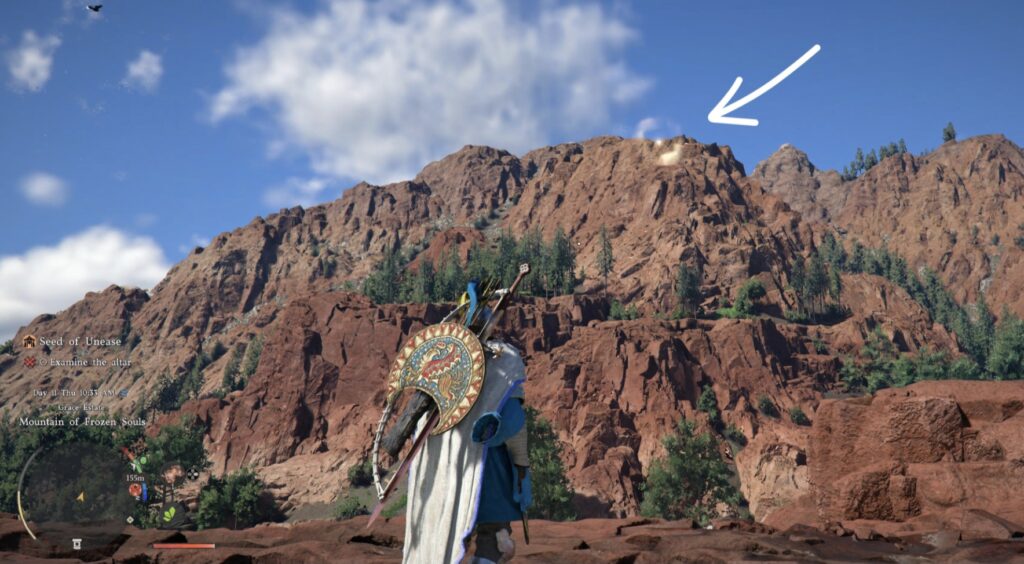
10 – Holding out your lantern in the open can do more than light an area. It will mark a gold circle on areas in the distance to highlight the location of skill points and fast travel sites!
Closing
I will add to and edit this if I think of anything I missed. For now though, everything here should give you a brief, helpful look into Crimson Desert. Hopefully this helps you to decide to buy the game or not, or simply enjoy the game for what it tries to be.